For customers using NMI, eConduit or Payroc integration for credit card transactions we offer a store level surcharge setup.
The option will automatically be available in your store settings if a register under the store is paired to an NMI eConduit or Payroc cc terminal.
SETUP
Go to the Settings->Stores and edit the store:
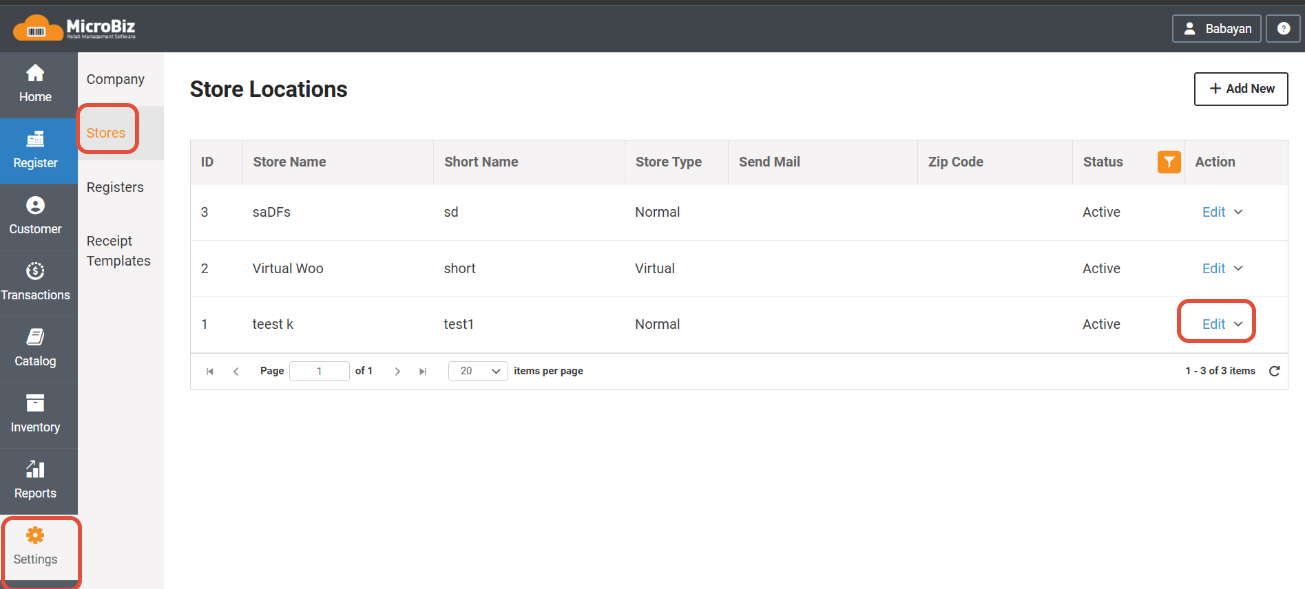
You will see two new settings on the last line:

Surcharge Rate- Here you can setup the surcharge rate. Note that it should be in the range of 0.1 and 4. If you do not want to charge a surcharge, leave the field empty. 0 is not acceptable.
Surcharge Label- This is the name charge will appear on the receipt. Anything you write here will be printed on the receipt.
The surcharge will automatically be calculated based on the amount that is to be paid by credit card.
For partial payments, surcharge will be calculated inside the amount entered for credit card and be included in that amount.
Refunds don't calculate a surcharge.