MicroBiz now allows user to drop ship items to customer in the Purchase order.
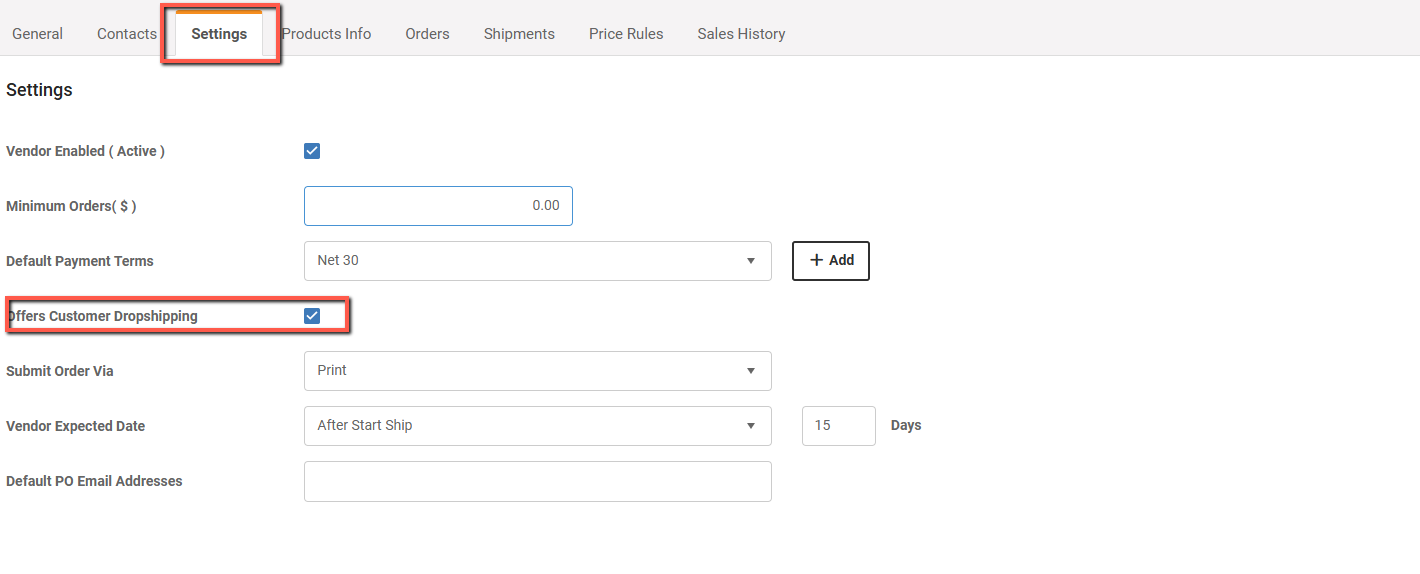
IMPORTANT: Make sure that your vendor is set to offer customer dropshipping:
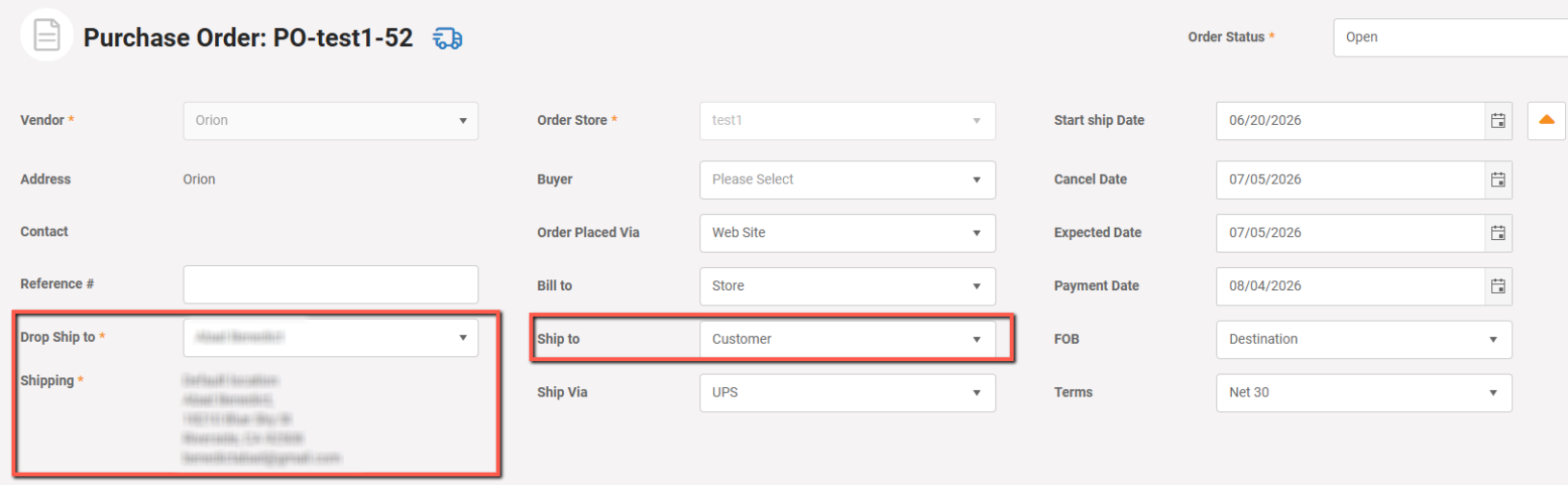
In the Purchase order, select Ship to option to Customer and select customer. You will see the full address information for the customer:
Once you complete the order, You can see the Vendor Shipment record in the Catalog->Products->edit Product->Inventory->Activity.
Note that completing the purchase order will not increase the stock of the product in the catalog as it directly sends product to the customer.
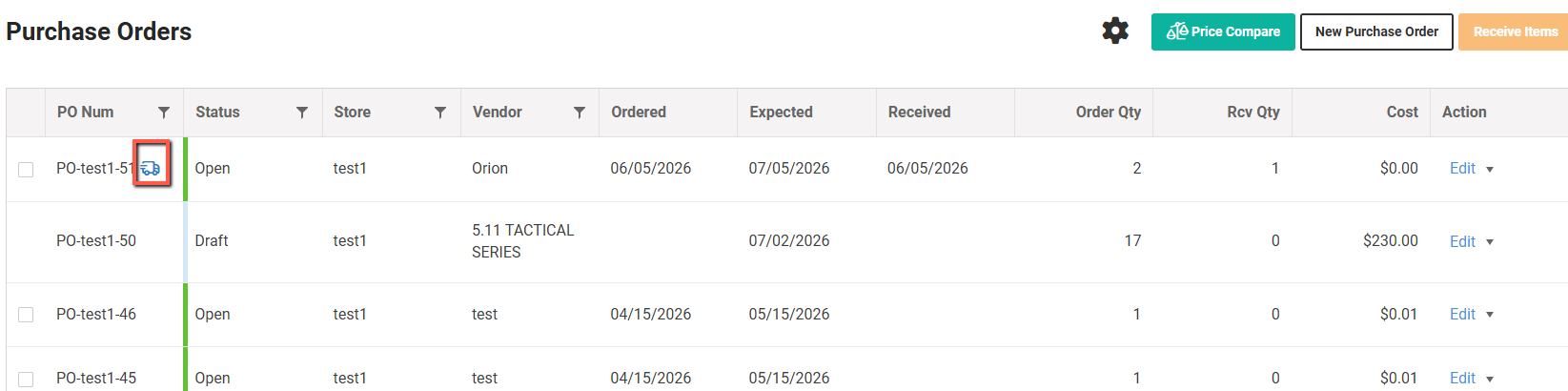
You can differ the dropshipping POs and Vendor Shipments by the icon near the ID as shown in the screenshot below:
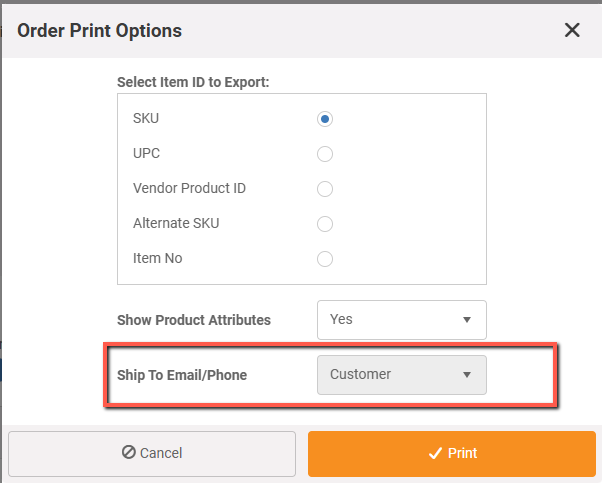
When exporting pdf of PO, you can also print the Customer information: