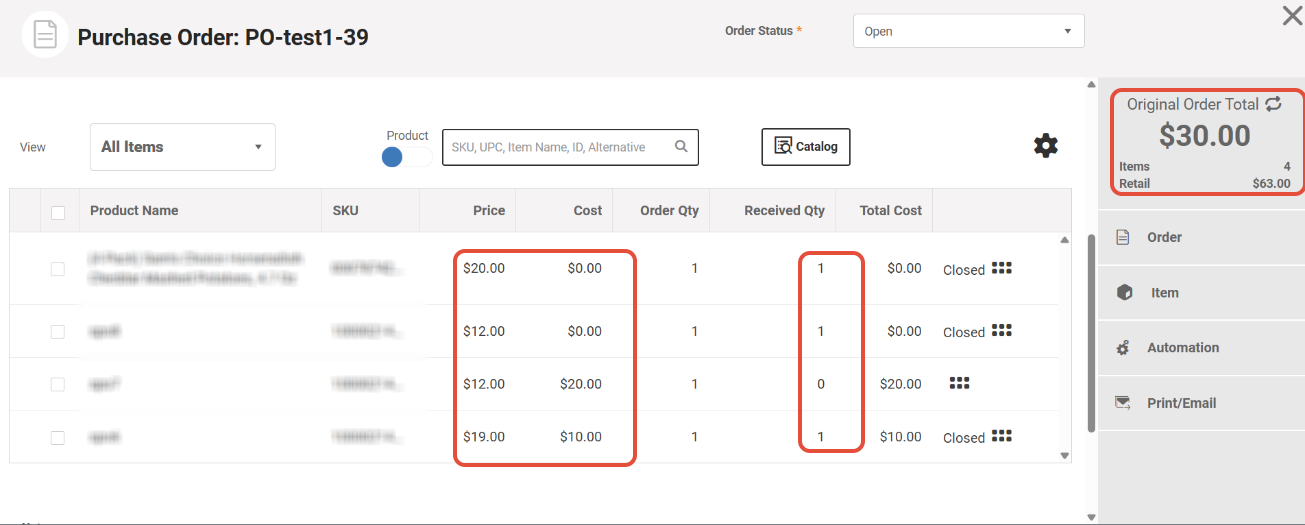
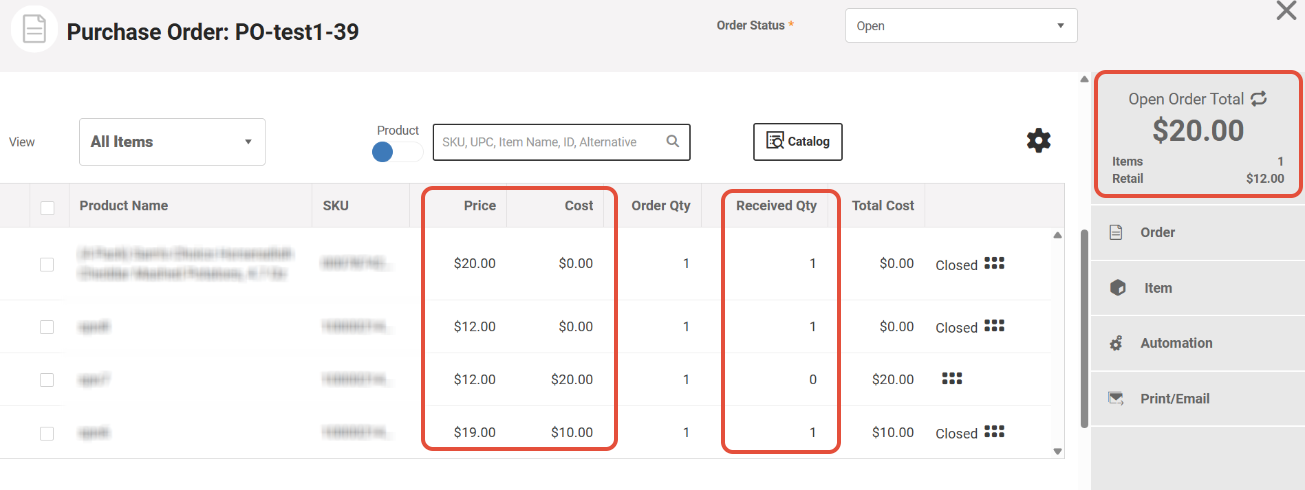
With new MicroBiz update, in the Purchase Order page, users are able to switch between Original Order Total and Open Order Total balances.
- Original Order Total - Shows the number of products initially ordered and the total cost and price of them
- Open Order Total - Shows current number of items not yet received and the total cost and price of those items.
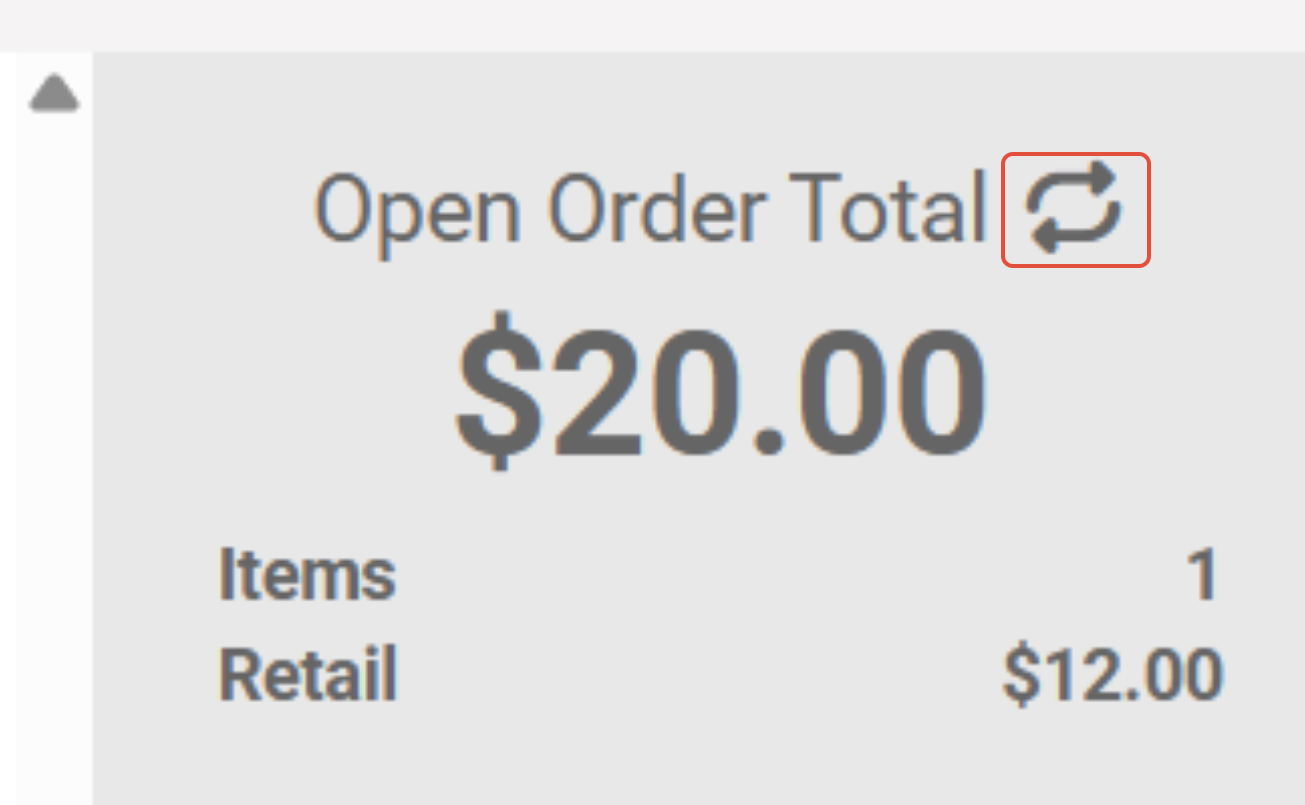
You can switch between them using the switch button:
This is useful when partially receiving Purchase Order.
In this Example we have ordered 4 different items with quantity of 1 for each and received three of them:
See how the numbers differ when we switch between Original Order Total and Open Order Total: